 WG Connect
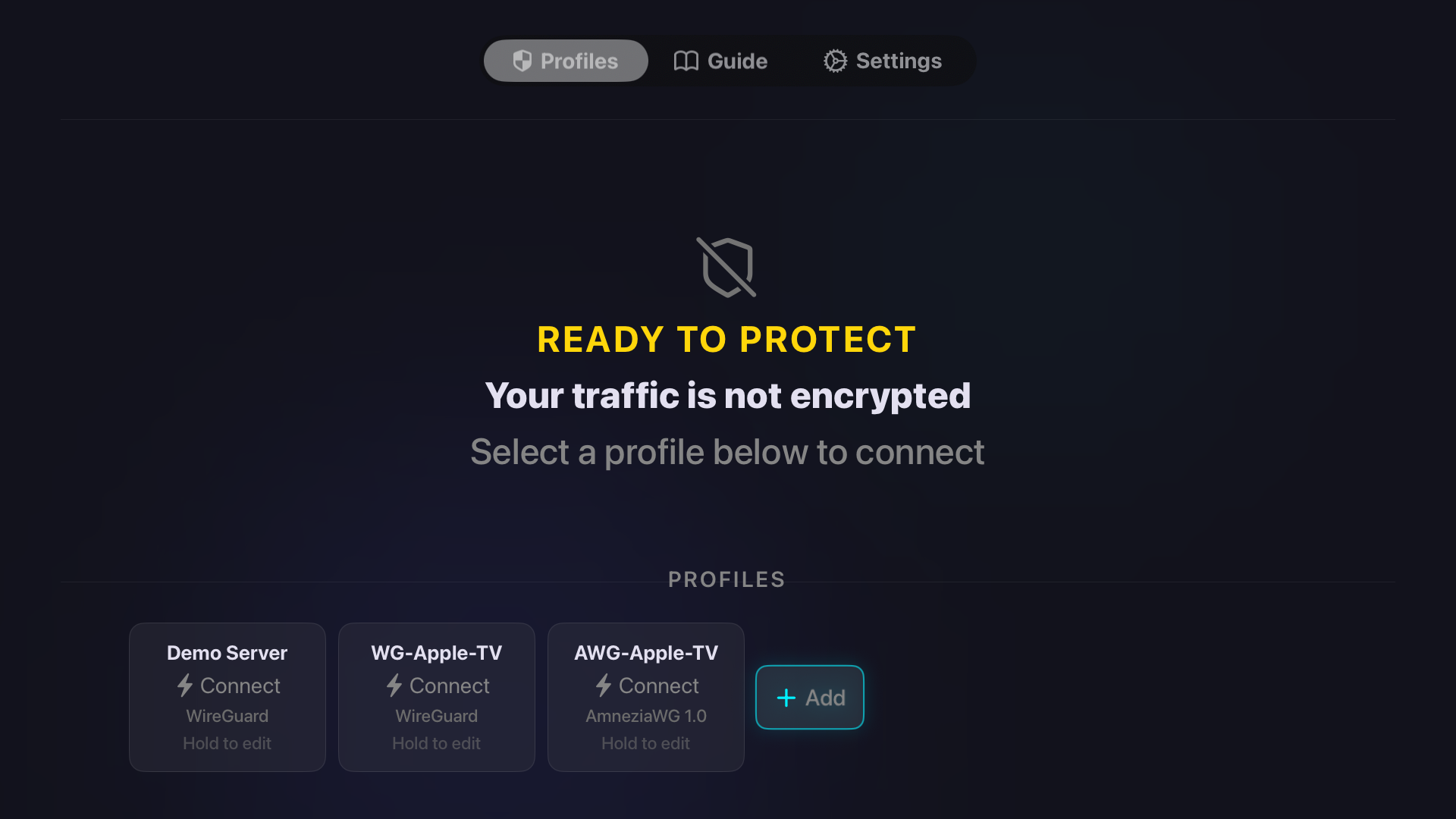
Pay once. No subscription.
Lifetime Access is a single purchase — no renewals, no account, and Family Sharing is supported.
Lifetime Access
Buy it once and keep it. No monthly fee, nothing to cancel, no account to create.
- One-time purchase — no subscription
- Family Sharing supported
- No account required
- No tracking, no analytics
Test it first
The free tier connects for 120 seconds at a time — long enough to confirm your config and your server work before you buy anything.
- 120-second test sessions
- WireGuard and AmneziaWG both included
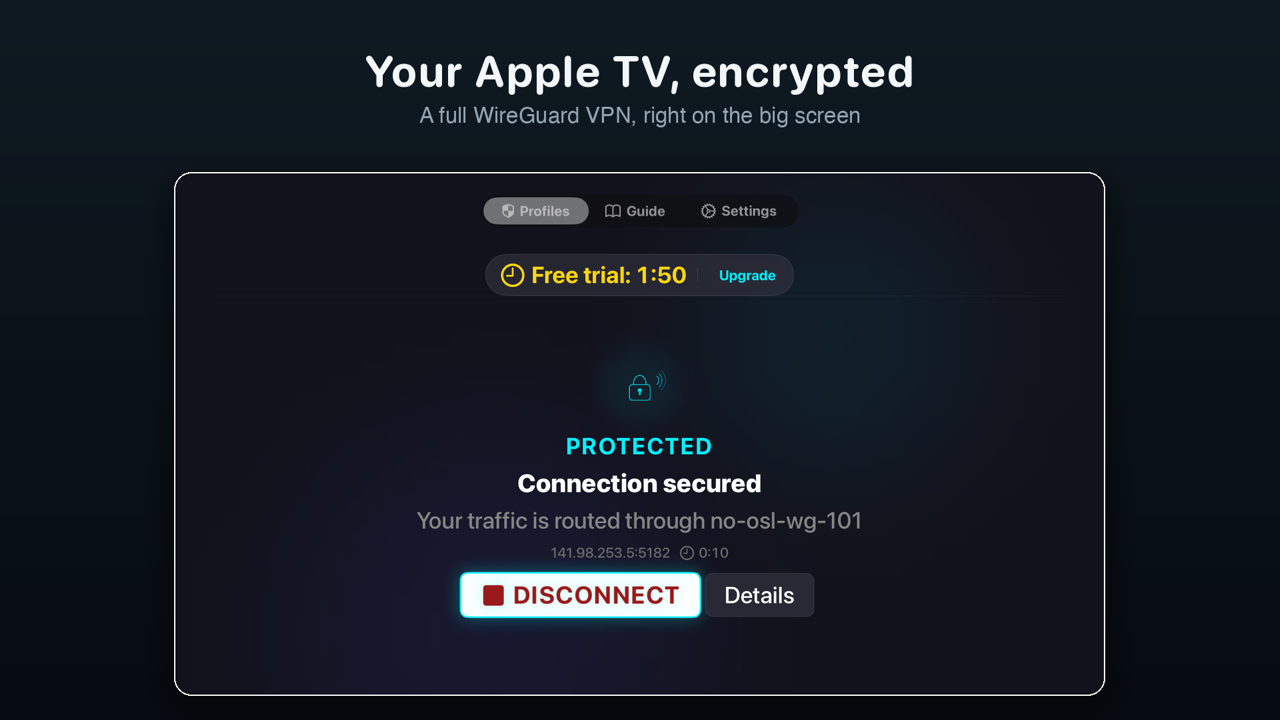
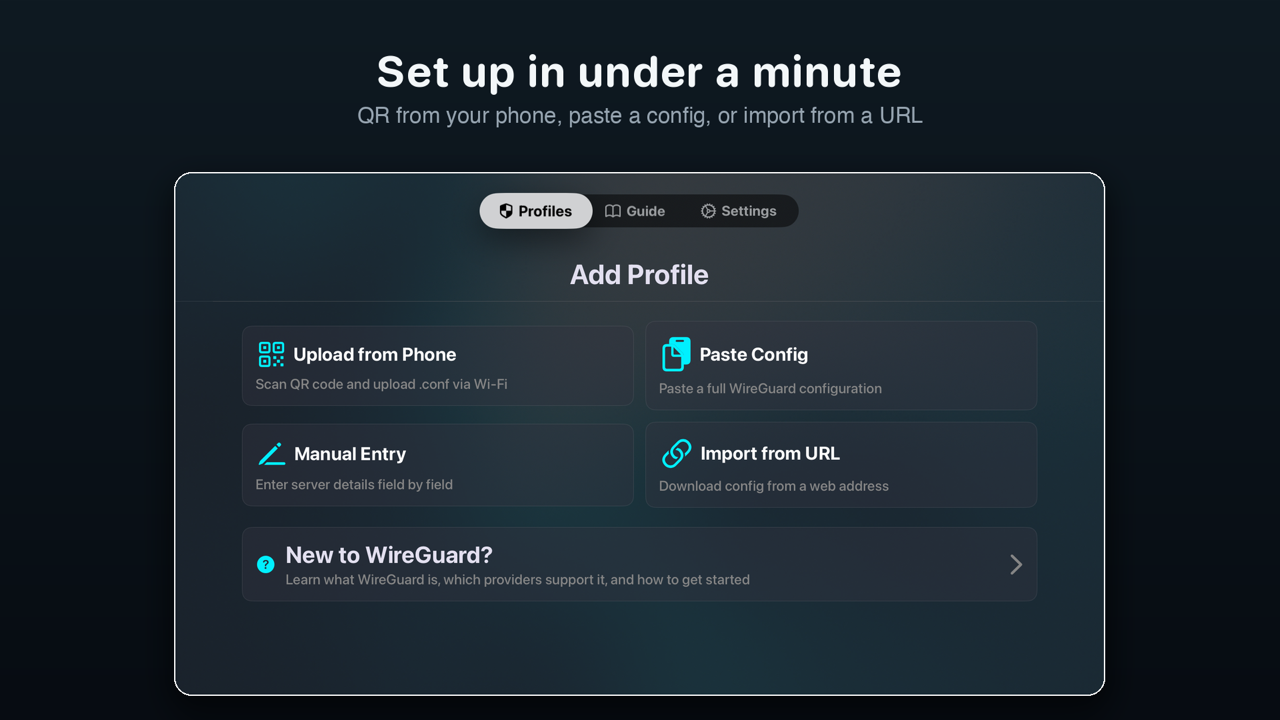
See it on the big screen.
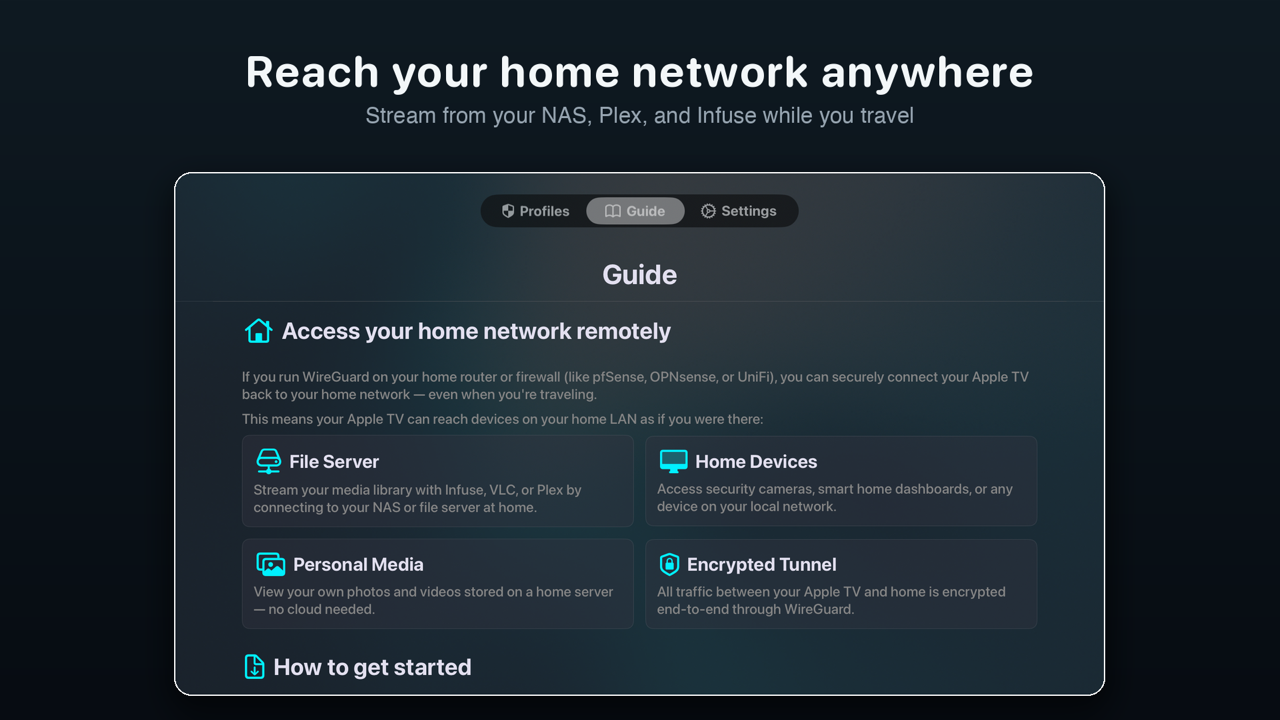
Connected status, one-minute setup, and your home network — in your language.
Speaks your language.
WG Connect is fully translated into five languages. It follows your Apple TV's language automatically — or pick another one in the app's Settings tab and the whole interface switches instantly, no restart.
VoiceOver support was improved throughout — Diagnostics, Settings and profile details are read out as complete rows.
Questions & answers.
Support lives here too. If your question isn't covered, the contact form below reaches us directly.
How do I change the app's language?
Open WG Connect and go to the Settings tab inside the app — this is the app's own Settings, not the Apple TV system Settings. Choose a language there and the interface switches instantly, no restart needed. By default the app follows the language your Apple TV is set to. Apple TV system Settings is a different place: that is where you do things like signing in to iCloud.
What's the difference between WireGuard and AmneziaWG?
WireGuard is built for speed and simplicity. AmneziaWG uses the same encryption, but adds traffic obfuscation that makes VPN traffic harder for network equipment to identify and filter. WG Connect detects automatically which of the two a .conf file uses, so you don't have to choose a mode.
What does AmneziaWG 3.1 add?
AmneziaWG 3.1 is the newest revision of the protocol, and WG Connect supports it in full. Earlier revisions disguised the packet headers and added junk packets; 3.1 encrypts the headers outright, pads the payload with a random amount of data, and lets handshake, rekey and keepalive timings vary inside a range instead of running on a fixed schedule. Fixed packet sizes and fixed intervals were the last dependable pattern traffic analysis could rely on, which is why a 3.1 config needs a client that speaks 3.1.
Can I use the same profile on two Apple TVs at once?
No. A single WireGuard profile has one peer slot on the server, so two devices end up fighting over it and only one of them stays connected. Generate a separate profile for each Apple TV.
Which VPN providers work?
Any provider that lets you export a .conf file — Mullvad, IVPN and ProtonVPN among them — as well as self-hosted setups on Firewalla, pfSense, OPNsense, UniFi or a plain Linux server.
How do I get a config onto the Apple TV?
Four ways: scan the QR code shown on the TV to send the file from your phone over the same Wi-Fi network, paste the config text, import it from a URL, or enter the fields manually.
Does WG Connect collect any data?
No. There is no account, no tracking and no analytics. Private keys are stored in the device Keychain and never leave your Apple TV.
What do I need to run it?
An Apple TV running tvOS 17 or later, and a WireGuard or AmneziaWG configuration file from your provider or your own server.
How much does it cost?
Lifetime Access is a one-time purchase — there is no subscription and nothing to cancel. Family Sharing is supported. A free tier with 120-second sessions lets you test your setup first.